St. Barts Reverb Plugin
A plug-in that captures the reverb of a neo-gothic church that you can apply to your music.
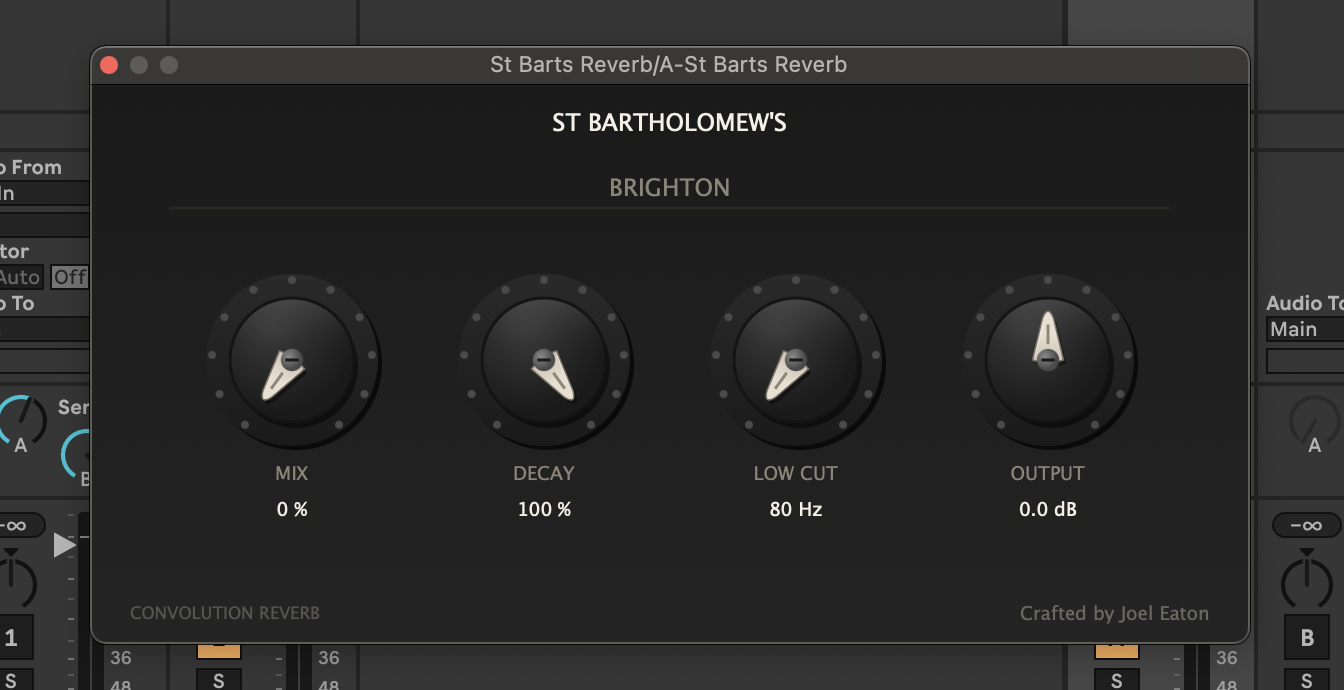
St. Barts Reverb
St. Bartholomew’s is a neo-gothic church in Brighton (UK), and is widely considered to be the tallest parish church in Britian with potentially the largest volume due to it’s non-standard shape - it’s huge!
Years ago I recorded the reverberant characteristics of the space and used it in my undergraduate teaching.
More recently, I’ve turned it into a Plug-In (Standalone, VST3, AU). Read about the story behind it and how I created it in this blog post.
Take a listen here, download it, and use it in your own music - it’s free!
Audio demos
Here are some examples of St Barts reverb applied to some recordings (no other processing took place):
Piano
From the seminal 1981 recordings of Bach’s Goldberg variations by Glen Gould:
Vocals
Imogen Heap’s Lost & Found:
Chamber Ensemble
Piano Quintet in F-Sharp Minor by Kaleidoscope Chamber Collective:
Music
What happens when you put Adele in St. Barts?:
Download
Get it free! Download includes standalone, VST3, and AU versions.
Installing on macOS
The build is ad-hoc signed, not notarised, and the files pick up macOS’s download quarantine on the way to you — so macOS will block them on first open until you clear it. This is expected.
-
Unzip and copy the components to:
- AU →
~/Library/Audio/Plug-Ins/Components/St Barts Reverb.component - VST3 →
~/Library/Audio/Plug-Ins/VST3/St Barts Reverb.vst3 - Standalone → wherever you like (e.g.
/Applications)
- AU →
-
Clear the download quarantine. Open Terminal and run, adjusting paths if needed:
  xattr -dr com.apple.quarantine ~/Library/Audio/Plug-Ins/Components/St\ Barts\ Reverb.component
   xattr -dr com.apple.quarantine ~/Library/Audio/Plug-Ins/VST3/St\ Barts\ Reverb.vst3
xattr -dr com.apple.quarantine /Applications/St\ Barts\ Reverb.app- First launch of the standalone: if macOS still warns of an unidentified developer, open System Settings → Privacy & Security and click Open Anyway in the note near the bottom. You only do this once.
- In your DAW, rescan the plug-in list if St Barts Reverb doesn’t appear.